 English
 русский
 عربى
عربى Español
Qinlang focuses on providing high-quality products and considerate services, and is committed to meeting every expectation of our customers.
The DKT-133 Cooling Ventilation Double Inlet Air Conditioning Fan is d...
See Details
Axial fans often appear inside equipment that needs steady air movement, whether cooling a machine cabinet, pushing air through a ventilation path, or helping remove warm air from a closed space. Running speed and heat usually appear together in daily use, since one change often affects the other. A fan spinning faster can move air more actively, while the same movement can also bring more load to the motor and nearby parts.
A High Speed Axial Fan is usually chosen when stronger airflow is needed in a limited area, although speed alone does not decide how well the fan works. Surrounding space, air resistance, mounting position, and maintenance condition all change the result. A fan that looks simple on paper may work very differently once it sits inside a narrow housing or near other equipment that blocks air paths.
Heat is a normal part of fan operation. The motor works, the blades move, and friction appears through repeated motion. Once the working area around the fan does not allow enough air to escape, temperature can rise more noticeably. That is why speed and heat should be looked at together rather than separately.
A fan blade moves through air every time it turns, so rotation speed naturally changes how much air is pushed forward. Faster movement usually means stronger airflow, although actual performance still depends on the full system around the fan. A clean path with enough open space can support air movement more easily than a crowded layout where ducts, panels, or nearby parts limit circulation.
In real equipment, airflow rarely moves in a straight and empty path. Some installations sit inside cabinets, some work close to walls, and some need to handle warm air already trapped in a small area. Under those conditions, a higher speed does not automatically solve the airflow problem. Resistance from the installation environment may reduce the benefit.
A practical way to think about airflow is simple: faster rotation changes air movement, yet the surrounding route decides how freely that air can travel. When the route is blocked, even a strong fan may struggle to show its full effect.
A High Speed Axial Fan therefore needs a matching environment. Blade movement, air path, and installation space should work together. A well-matched setup usually feels steadier during daily operation than a fan that is pushed to run fast in a poor location.
Heat builds up during fan use for a few ordinary reasons. Motor activity creates heat, blade movement creates friction, and resistance from the air adds workload. When speed rises, those effects can become more visible, especially during long operation.
A fan used in a compact machine cabinet may warm up faster than one placed in a room with open air around it. Limited ventilation can slow heat release, so the temperature around the housing may rise gradually. Dust, blocked air holes, or poor placement can make that rise more noticeable.
Common reasons for higher heat include:
Heat does not always point to a fault. In many cases, it reflects the way the fan is installed and used. A fan running for a long time in a tight area will usually feel warmer than a fan given space to breathe. That is why installation condition matters as much as speed itself.
Temperature also changes with working time. Short operation may keep warmth low, while longer use in a crowded area may slowly raise the load on the fan. Maintenance plays a part too, since clean blades and clear airflow paths help reduce avoidable heat.
Fan heat is not only about the motor. Air around the unit matters just as much, sometimes more. When air can move freely past the housing, warm air leaves the area more easily and the fan gets a chance to cool down while it works. Once the space around the unit turns tight, heat tends to stay near the body of the fan, then the whole setup starts feeling warmer after a while.
That change is easy to notice in equipment cabinets, narrow ventilation slots, or any place where parts sit close together. A High Speed Axial Fan may still rotate normally, although cooling can feel weaker when the airflow path is crowded. In many cases, the issue is not speed alone, rather the route around the fan. A clear path helps the moving air do its job, while blocked space makes the fan work harder than expected.
Dust can also change the way air moves. Even a thin layer around the blades or vent openings can disturb airflow and leave heat trapped inside. A fan may look clean enough from a distance, though the build-up around edges and mounting points often tells another story once regular use begins.
Placement shapes fan behavior in a quiet way. A fan mounted too near a wall, cover, or crowded part may lose part of its breathing space. When fresh air cannot enter and warm air cannot leave, temperature rises faster than it should.
| Installation Point | Practical Effect |
|---|---|
| Space around the housing | Affects air circulation |
| Mounting direction | Changes the way air travels |
| Nearby parts | May block open airflow |
| Surface cleanliness | Helps air pass more smoothly |
| Surrounding temperature | Changes how quickly heat leaves |
Mounting direction deserves attention because airflow does not behave the same in every position. A fan may be fixed in a way that technically works, yet the air path may still feel awkward if the direction does not fit the equipment layout. Once that happens, cooling becomes less steady and the unit may run warmer over time.
An open installation usually leaves the fan in a better condition for daily work. A closed or crowded setup asks for more care, since heat does not disappear on its own. The difference often shows up after repeated operation rather than during the first few minutes.
Regular maintenance usually starts with small habits. Cleaning around air openings, checking for dust, and watching for changes in noise or vibration often tell a clearer story than waiting for a larger problem to appear.
A fan that begins to sound different may have a blade issue, a loose mount, or some kind of blockage in the airflow path. Vibration can also point to imbalance, especially when the unit has been running for a long time without attention. Once the airflow gets disturbed, heat tends to follow.
Useful checks are simple:
Operating speed also needs a practical match. Running a fan faster than the system really needs can add workload without solving a cooling problem. In a narrow cabinet or a warm room, extra speed may create extra heat as well. Matching speed with airflow demand usually gives a steadier result than pushing the fan harder just because it can turn faster.
A High Speed Axial Fan is built for active air movement, though it still depends on the environment around it. Clean airflow, sensible placement, and routine care help keep temperature under control in everyday use.
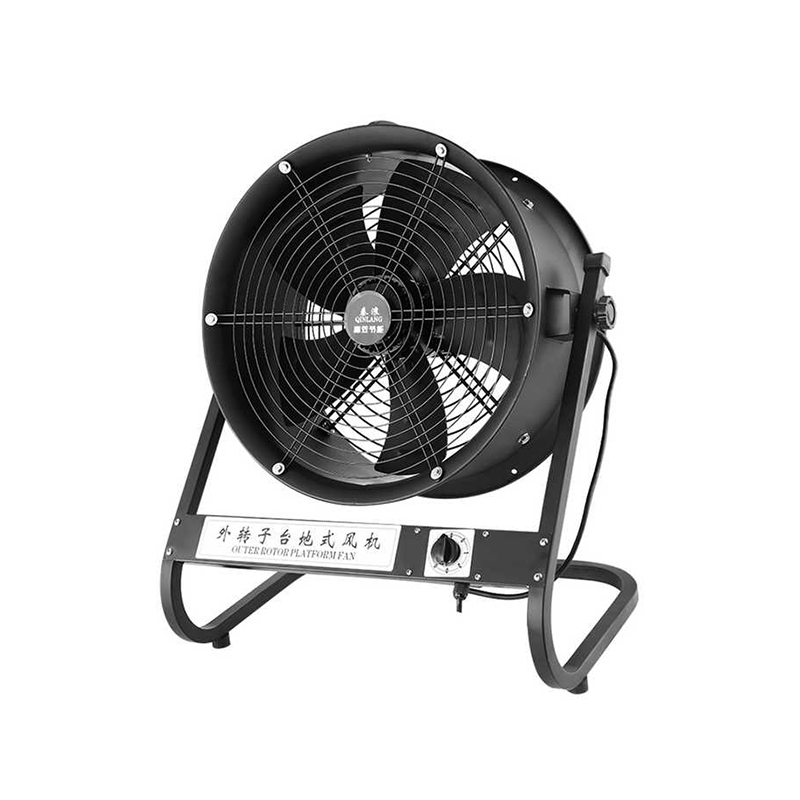
Selection works better when the actual space is taken into account instead of focusing on one feature. A cooling fan for electronic parts may need a different setup from a fan used for general ventilation, and both can behave differently once they are installed.
Before choosing a fan, several points deserve a look:
| Selection Point | Why It Matters |
|---|---|
| Airflow requirement | Matches the cooling task |
| Available space | Affects installation and ventilation |
| Working environment | Changes heat release conditions |
| Maintenance access | Makes cleaning and inspection easier |
| Operating pattern | Relates to long-term use |
A fan placed in a machine cabinet may need more attention to clearance and airflow direction. A fan in an open room has more room to breathe, while a fan in a tight enclosure may need better planning around the mounting position.
Maintenance access often gets overlooked, although it matters a great deal after the equipment starts running. A unit that can be reached without moving half the surrounding structure is easier to check, easier to clean, and easier to keep in good shape. That simple convenience often saves time later.
Speed by itself does not tell the full story. Heat by itself does not either. Both change together during operation, and both depend on the surrounding equipment. A fan can spin quickly and still work well in one setting, then feel overly warm in another because the air path is different.
A High Speed Axial Fan makes sense when the system needs active air movement, although the real result still comes from the full setup around it. Airflow route, installation space, cleaning routine, and working temperature all shape how the fan behaves in daily use.
Reading speed and temperature as a pair gives a clearer picture of what is happening inside the equipment. Once both are considered together, fan choice and installation start to feel more practical and less like trial and error.
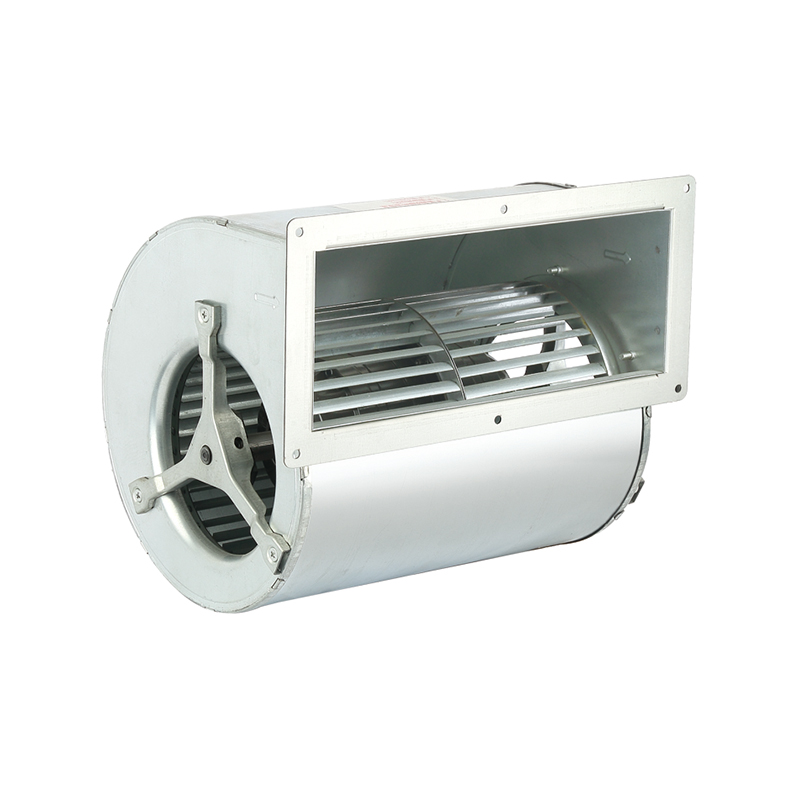
The DKT-133 Cooling Ventilation Double Inlet Air Conditioning Fan is d...
See Details
The DKT-146 Multi-Function Variable Frequency Double Inlet Air Conditi...
See Details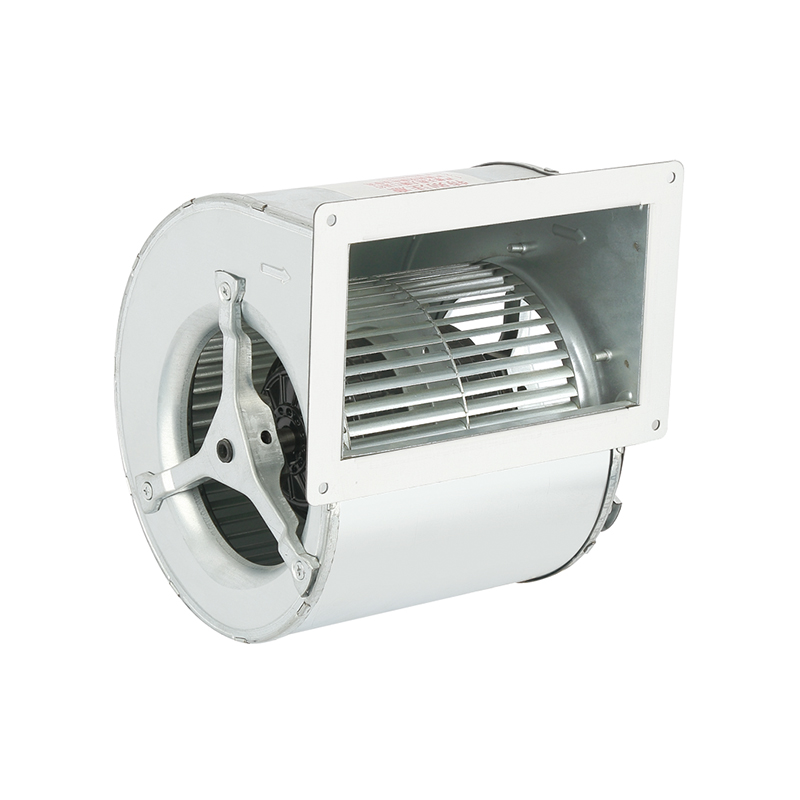
The DKT-160 Heat Dissipation Exhaust Double Inlet Air Conditioning Fan...
See Details
The DKT-180 Tilt Back Cool Down Double Inlet Air Conditioning Fan, a s...
See Details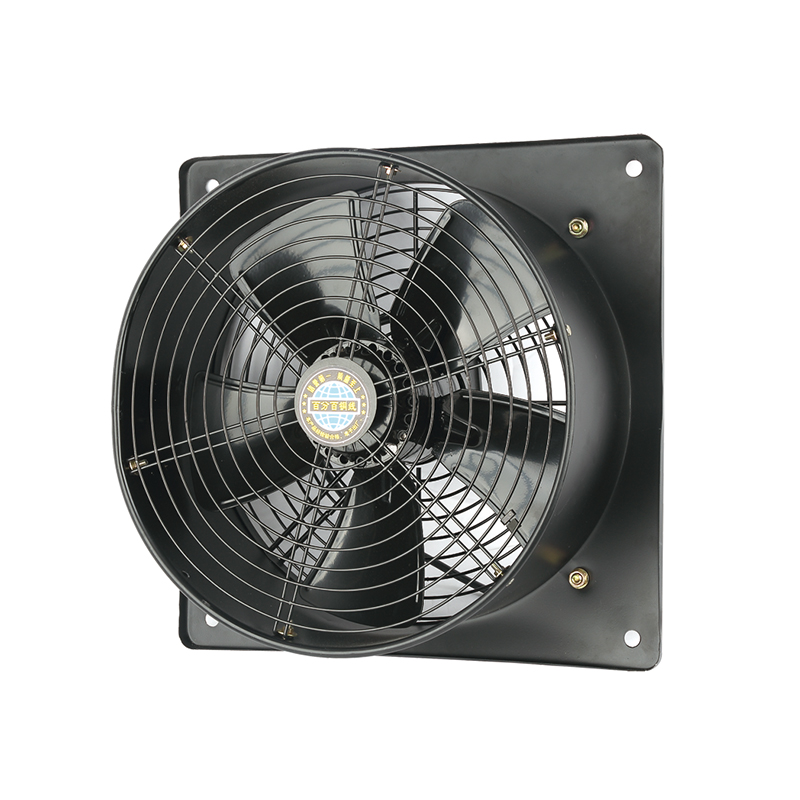
The YWF-400-2D2E Efficient Square form Axial fan is designed with a fo...
See Details
The YWF-350-2D2E Low noise Square form Axial Fan is designed with a co...
See Details
The YWF-350-4D4E Low vibration Square form Axial Fan is a outstanding ...
See Details
The YWF-400-4D4E Durable Square form Axial Fan is designed with advanc...
See Details
Qinlang focuses on providing high-quality products and considerate services, and is committed to meeting every expectation of our customers.
© Zhejiang Qinlang Electromechanical Co., Ltd.
Fans And Air-Cooling Equipment Factory
